
If you’ve ever watched a front desk coordinator dig through a filing cabinet while a patient waits or seen a specialist reorder tests because the previous results got lost in the shuffle, you already understand why EMR systems in hospitals and clinics have become such a serious business conversation. The demand for well-built clinical EMR systems has grown sharply — not because it’s a trend, but because the operational cost of not having one keeps climbing. The question isn’t really “should we have one?” anymore — it’s “how do we build or choose one that actually holds up as we grow?” Whether you’re running a two-location specialty clinic or overseeing IT procurement for a regional hospital network, this article walks you through EMR integration technologies, what makes a clinical system worth adopting, how to evaluate your options, how profitability ties into digitization, and what it actually takes to build a custom system from scratch, including what it costs.
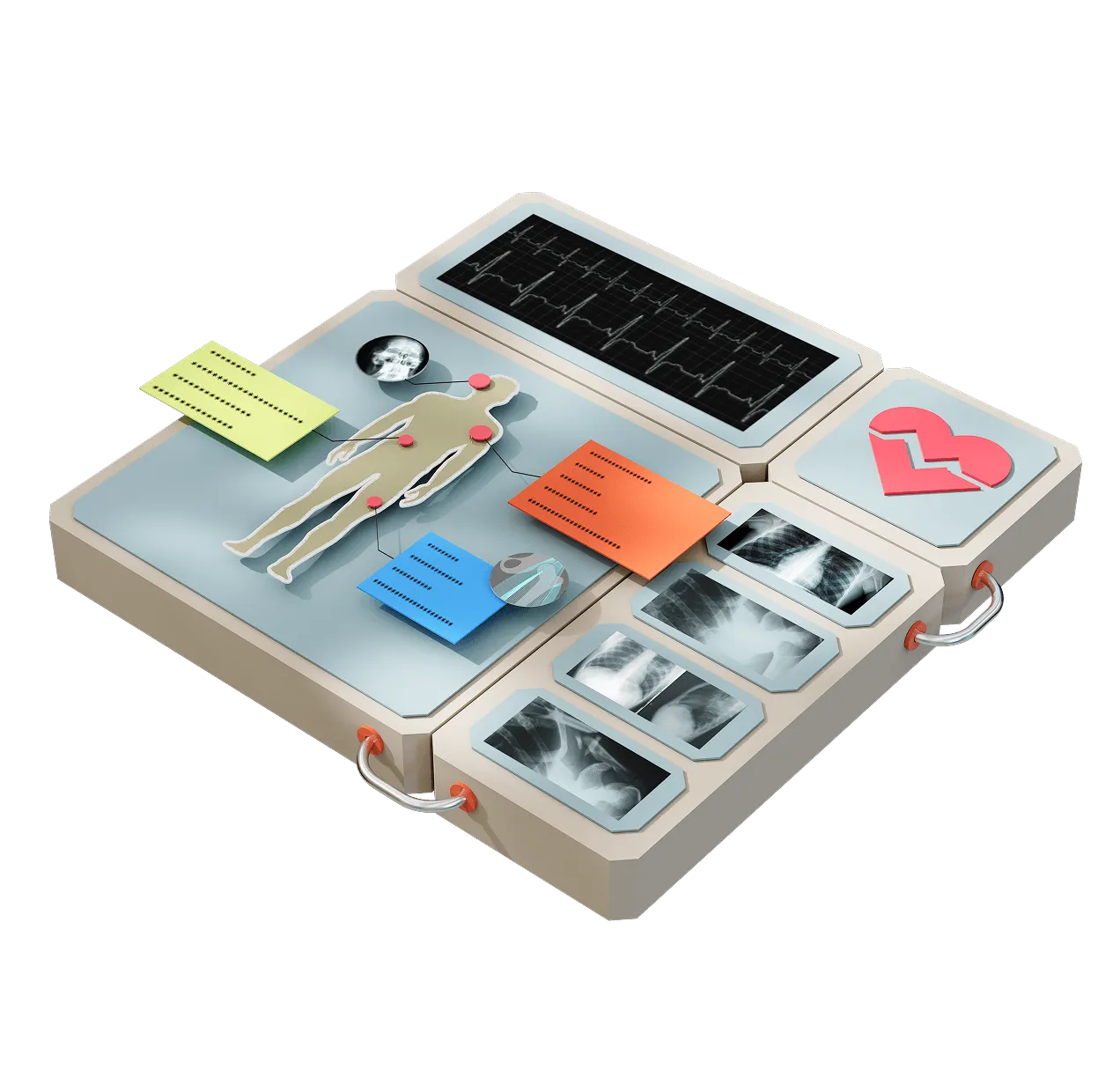

Before diving into development, it’s worth understanding what already exists on the market — especially how EMR integration for remote patient monitoring system capabilities influences your decision. Today’s landscape of EMR systems for clinics is broad and varied, and the right choice often depends on the size, structure, and specific needs of your practice.
Large healthcare organizations typically rely on enterprise-level platforms designed for complex EMR and EHR management. These systems offer extensive customization, deep integrations, and advanced analytics, but they also come with higher costs and longer implementation timelines. On the other hand, mid-sized clinics and specialized practices often lean toward cloud-based solutions that are faster to deploy, easier to use, and more budget-friendly, while still covering essentials like scheduling, billing, and patient records.
Some platforms are also tailored to specific medical fields, offering features that align closely with niche workflows and clinical requirements. That level of specialization can be valuable, especially for practices with unique operational needs.
That said, most off-the-shelf solutions are built to serve the average clinic. Once your workflows become more complex, or your growth plans require more flexibility, limitations tend to surface. At that point, many providers begin exploring EMR software companies that offer custom-built solutions designed around their exact processes. That’s where a more tailored approach starts to make a real difference and why custom development is becoming an increasingly popular path forward.

Switching systems mid-operation is one of the harder things a clinic can do and if you’re considering EMR software development services rather than an off-the-shelf platform, the stakes of getting the transition right are even higher.
A systematic review published in the Journal of the American Board of Family Medicine found that EMR-based predictive models can identify patients at risk of hospitalization and emergency visits with accuracy rates often exceeding 80%, demonstrating how EMR data significantly improves clinical forecasting and preventive care.
You’re essentially asking your entire team to change how they work while still seeing patients, billing insurance, and keeping the lights on. So before you sign anything, think through these carefully:

This is the part most vendors bury under feature lists, but it’s what actually moves the needle for business owners: how does a good clinic EMR system setup or a properly implemented Electronic Health Record (EHR) make your practice more money?
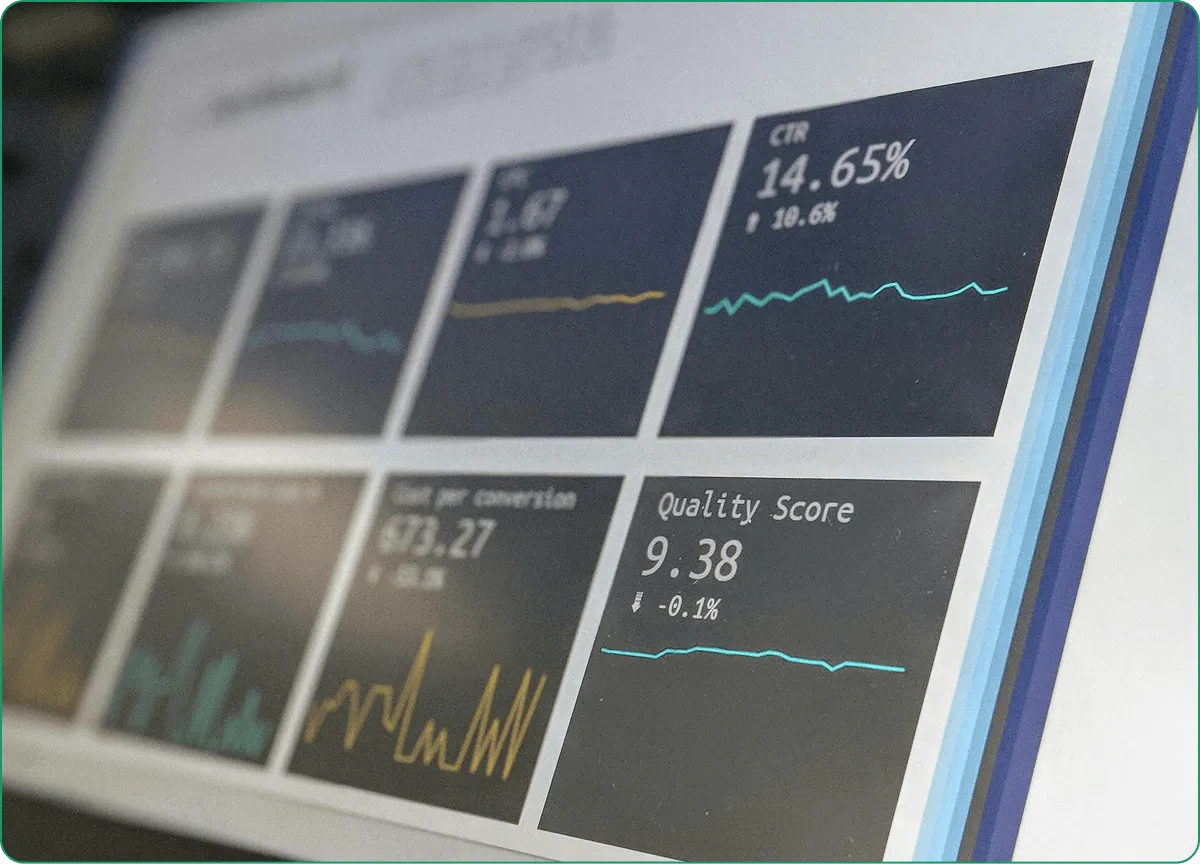
Community clinics operate under a different set of constraints than private specialty practices, and the EHR software solutions that work well for a private cardiology group often fall flat here. They’re often serving higher-volume, lower-income populations. They may be federally qualified (FQHCs in the US), which means grant reporting requirements on top of everything else. And they’re typically doing all of this on tighter budgets.
What does a good community clinic EMR system actually need?
It’s also worth noting that purpose-built tools exist for specific settings. EMR systems for physical therapy clinics, for example, often include therapy-specific documentation templates, exercise tracking, and functional outcome measures that generic platforms don’t cover well.
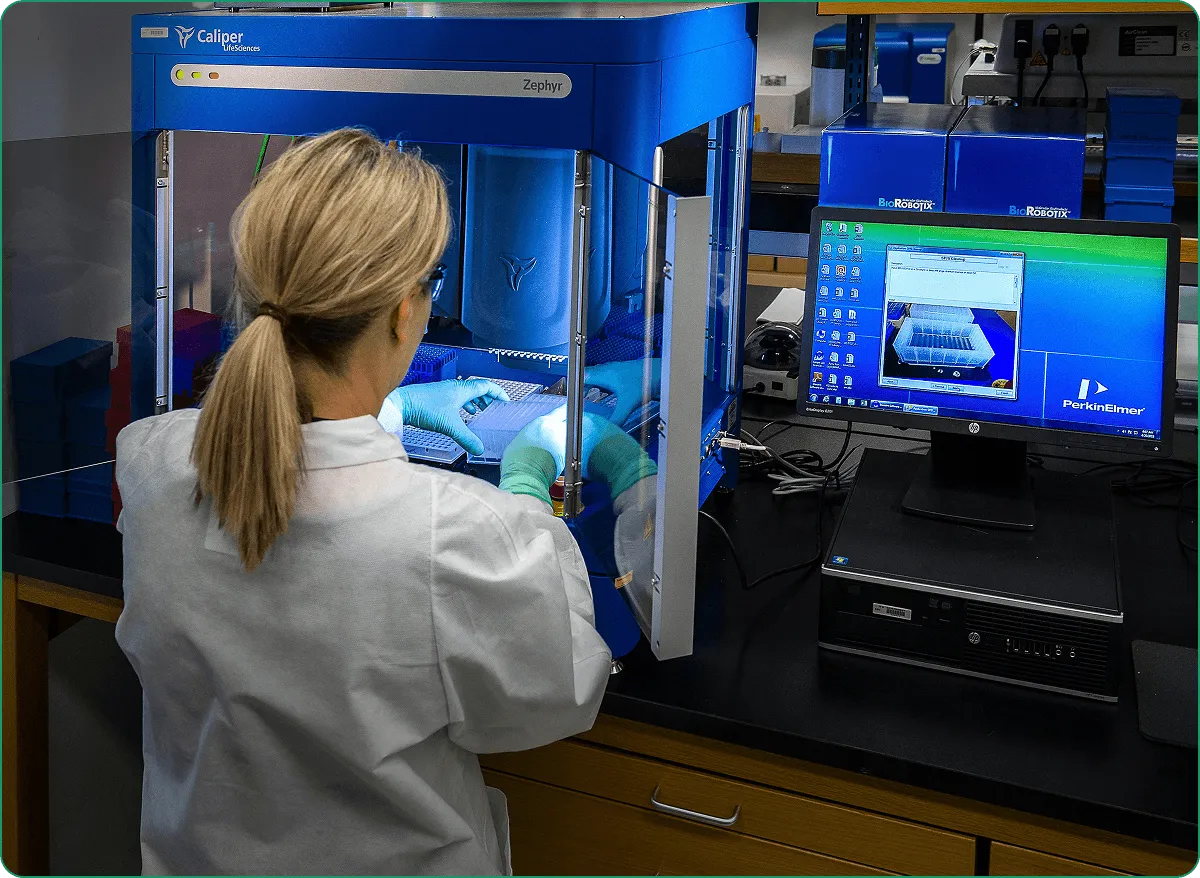
When you bring hospital EMR systems into a real clinical environment, the focus shifts to efficiency, speed, and seamless day-to-day operations. Clinics may not operate on the same scale as hospitals, but they still depend on well-structured workflows to manage patient care, documentation, and communication. A peer-reviewed study published in Discover Public Health found that over 70% of medical students had prior exposure to EMR systems, highlighting how deeply integrated these tools have become in modern healthcare and that familiarity naturally carries into clinical practice.
In a clinical setting, an EMR system hospital helps keep everything organized from the very first patient interaction. Appointment scheduling, medical histories, and initial records are all handled within one system. During consultations, providers can quickly access and update information, issue prescriptions, and plan follow-ups without disrupting their workflow.
Strong management ensures that all patient information is stored in one accessible place. Lab results, treatment plans, and clinical notes are available in real time, allowing healthcare professionals to make faster, more informed decisions while reducing duplication and administrative burden.
With the rise of digital care and EMR systems for hospitals, capabilities are becoming essential. Clinics can connect data from wearable devices and home monitoring tools directly into their systems, giving providers continuous insight into patient health and enabling more proactive, data-driven care.
Automation plays a major role in improving clinic performance. Tasks like documentation, billing, and reporting become faster and more accurate, reducing manual input and minimizing errors. As a result, staff can focus more on patient care instead of administrative work.
Many EMR hospital systems are designed to meet general needs, but growing clinics often require more flexibility. As workflows become more complex, limitations start to appear. That’s when providers turn to engineers to explore custom-built solutions that better align with their specific operations.
At its core, an EMR system connects every part of a clinic’s operations into one cohesive environment. It supports better decision-making, improves coordination, and helps clinics deliver faster, more efficient, and more reliable care while staying ready to scale.
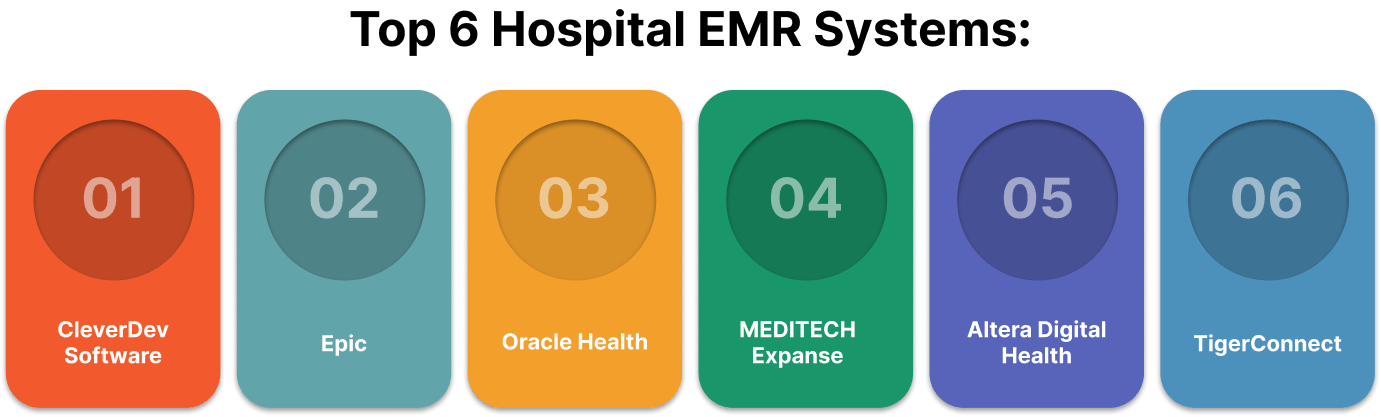
If you’re evaluating systems specifically for a hospital environment, here’s a more pointed breakdown. The hospital EMR systems market has consolidated significantly over the past decade, and a handful of vendors now account for the majority of installations across the US and Europe. Still, the right choice isn’t always the biggest name.
People often ask: what emr systems do hospitals use most? The honest answer is that Epic dominates in academic and large regional settings, while MEDITECH and Oracle Health hold strong positions in community and government-affiliated environments. Here’s how they stack up:
CleverDev Software is a strong choice for healthcare providers looking beyond rigid, off-the-shelf platforms. We focus on building fully tailored EMR and healthcare solutions that adapt to your exact workflows, integrations, and long-term growth plans. Instead of forcing your operations into a predefined system, you get a flexible architecture designed around your needs whether that includes advanced integrations, custom modules, or scalable infrastructure.
Best suited for large academic and regional health systems that need a highly comprehensive platform. Known for its depth and wide range of modules, it supports everything from scheduling to complex clinical workflows. However, that level of capability comes with high implementation costs and timelines that can stretch across multiple years for large-scale deployments.
A solid option for healthcare systems that prioritize interoperability and operate in complex environments such as government or federal sectors. Strong analytics capabilities and the ability to handle high patient volumes make it a reliable choice for large organizations with diverse operational needs.
A more modern, cloud-ready solution that works well for community hospitals. It offers a good balance between functionality and cost, making it a practical alternative for organizations that need robust capabilities without the higher price tag of enterprise-heavy systems.
Designed with flexibility in mind, this platform is a good fit for hospitals that prefer a modular approach rather than a full system replacement. It allows organizations to modernize step by step, integrating new capabilities without completely overhauling existing infrastructure.
For healthcare networks dealing with fragmented systems, especially after mergers or acquisitions, a hybrid approach often makes more sense. Instead of replacing everything at once, organizations layer custom integrations over existing tools, gradually creating a unified ecosystem that improves communication, data flow, and overall efficiency.
Choosing the right hospital EMR system often comes down to one practical question: does it fit the actual size and specialty mix of your institution, or are you paying for features you’ll never use? And as you look at the broader landscape of EMR/EHR systems in hospitals, it’s worth noting that the line between electronic medical records and full health record interoperability is increasingly blurry, and most modern platforms are expected to do both.

Let’s say you’ve looked at what’s available, and none of it quite fits or the cost of licensing at scale doesn’t pencil out. Building your own starts to make sense. Here’s the conceptual roadmap:
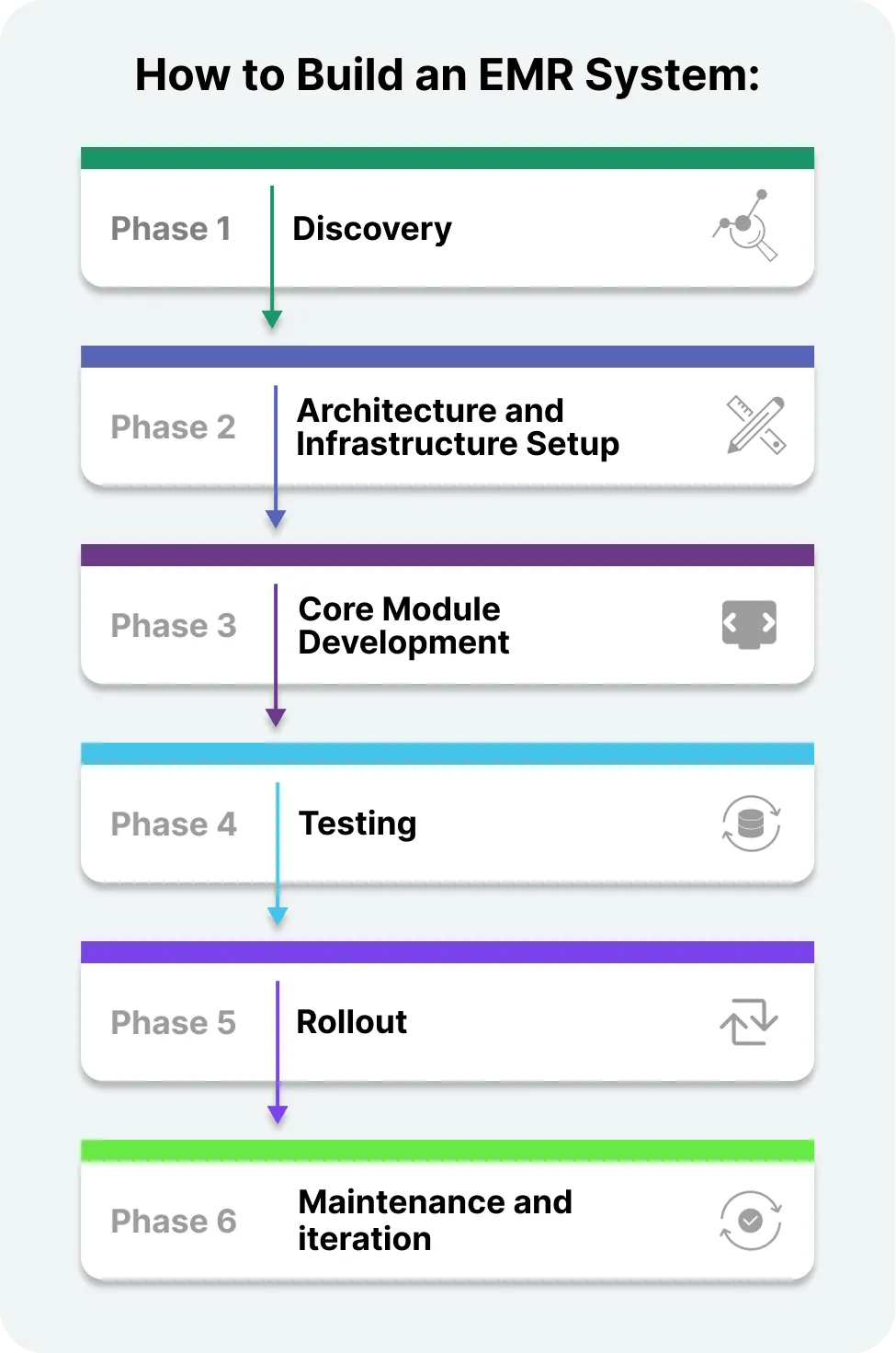
Getting more technical: here’s what the actual build process looks like when you work with a development team. Building an EMR system is not a single project with a fixed end date — it’s a phased program that evolves as your clinical environment does. Here’s how most serious builds are structured:
This is where you sit down with clinicians, administrators, and billing staff to map workflows, define personas, and establish technical requirements. A good discovery phase produces a detailed spec document and a preliminary architecture diagram.
Choose your cloud provider (AWS, Azure, and GCP all have HIPAA-compliant environments). Set up your dev, staging, and production environments. Establish CI/CD pipelines, access controls, and logging from the start.
Build in layers. Start with authentication and access control, then scheduling, then clinical documentation, then billing integration. An MVP doesn’t need every feature but just the core workflow to work reliably.
Key technical components you’ll need:
Clinical systems need to be tested more rigorously than almost any other type of app. You’re testing not just functionality but edge cases in clinical workflows, load performance under concurrent users, and security penetration testing.
Rolling out a new system all at once can feel tempting, but in reality, a phased approach works so much better. Start small and pick one department or a single location, and see how things go. Listen to your team, gather feedback, and fix any hiccups before they become bigger problems. This way, everyone gets used to the changes at a comfortable pace, and you can fine-tune the system based on real experiences. Once the first phase runs smoothly, it’s much easier to expand to other areas, confident that you’ve ironed out the kinks along the way.
Think of your system as a living tool rather than a one-and-done project. Regulations will shift, workflows will evolve, and new integrations will inevitably become necessary. Staying ahead means planning for ongoing development and updates so your system keeps up with the changing needs of your clinic. If treating it as a constantly improving platform, you ensure it remains efficient, compliant, and ready to support your team no matter what comes next.

This is the question everyone wants a simple answer to, and the honest answer is that it depends significantly on scope, team, and location. But here are real ranges based on what custom development actually costs.
For a lean team of 2–3 developers, a designer, and a project manager working over 4–6 months, the estimated cost typically ranges between $80,000 and $200,000. Keep in mind that this estimate does not include any expenses related to compliance certifications, which would be additional.
For most growing clinic groups, the budget usually falls between $200,000 and $500,000. At this stage, the project tends to involve more complex workflows, a larger number of integrations, and a broader range of users to account for in the design.
For enterprise-level implementations, costs can range from $500,000 to over $2,000,000. These projects are long-term endeavors, often spanning 12 to 24 months, and involve large, cross-functional teams to manage the complexity and scale required.
Plan for 15–20% of the initial build cost per year. That covers bug fixes, regulatory updates, security patches, and incremental feature development.
A common mistake is budgeting only for the build and forgetting about everything that keeps it running. Plan your total cost of ownership across three years, not just launch.
Building or choosing a clinical record system is genuinely one of the more consequential decisions a medical business can make. Done well, it reduces administrative drag, speeds up revenue cycles, and gives you actual visibility into how your operation is running. Done poorly, it creates chaos for your staff and friction for every patient interaction.
If you’re evaluating whether to buy or build, the short version is: buy if an existing platform fits 80% or more of your workflows and your budget allows. Build if your workflows are complex, your specialty is niche, or you’re operating at a scale where licensing costs over five years exceed what custom development would cost.
Either way, the decision deserves more than a vendor demo and a price comparison. It deserves a real conversation about how your operation actually works and where you want it to go.
If that’s a direction you’re ready to have, contact us and we will be glad to guide you.


Tech & Innovation Expert
Anastasiya is committed to making the complex simple. Her passion for writing, proficient research, and strong interviewing skills allow her to share in-depth insights into the ever-evolving IT landscape.

Our newsletter is packed with valuable insights, exclusive offers, and helpful resources that can help you grow your business and achieve your goals.


